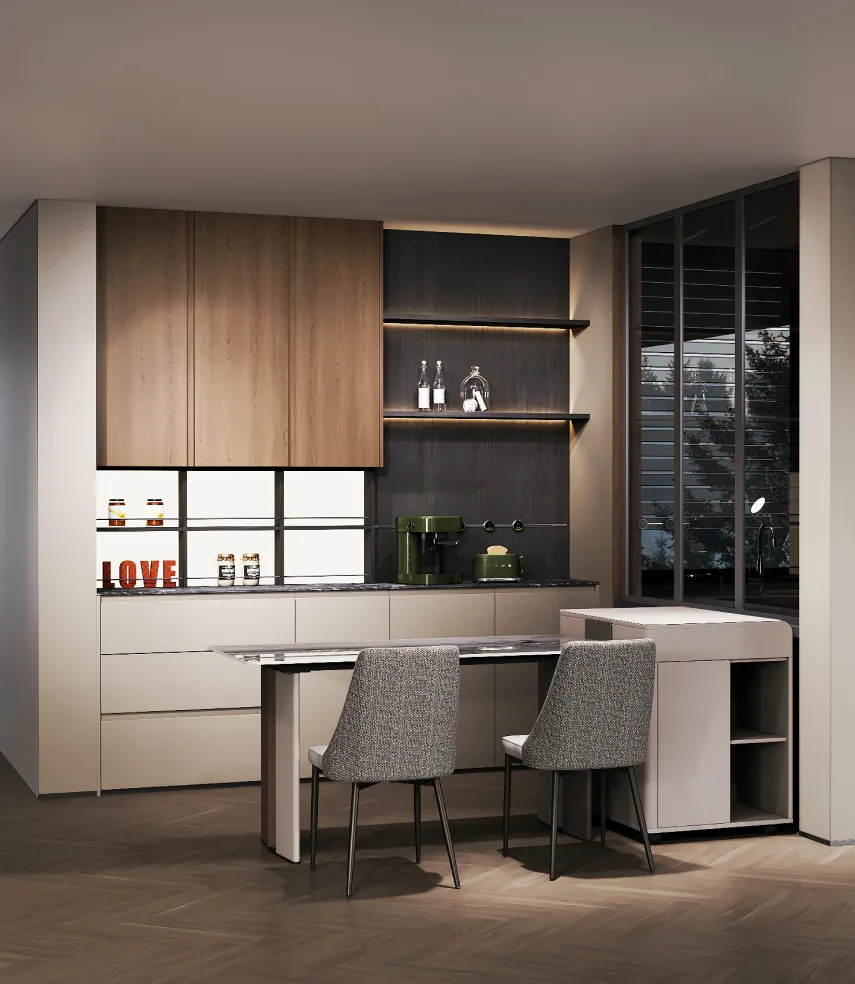
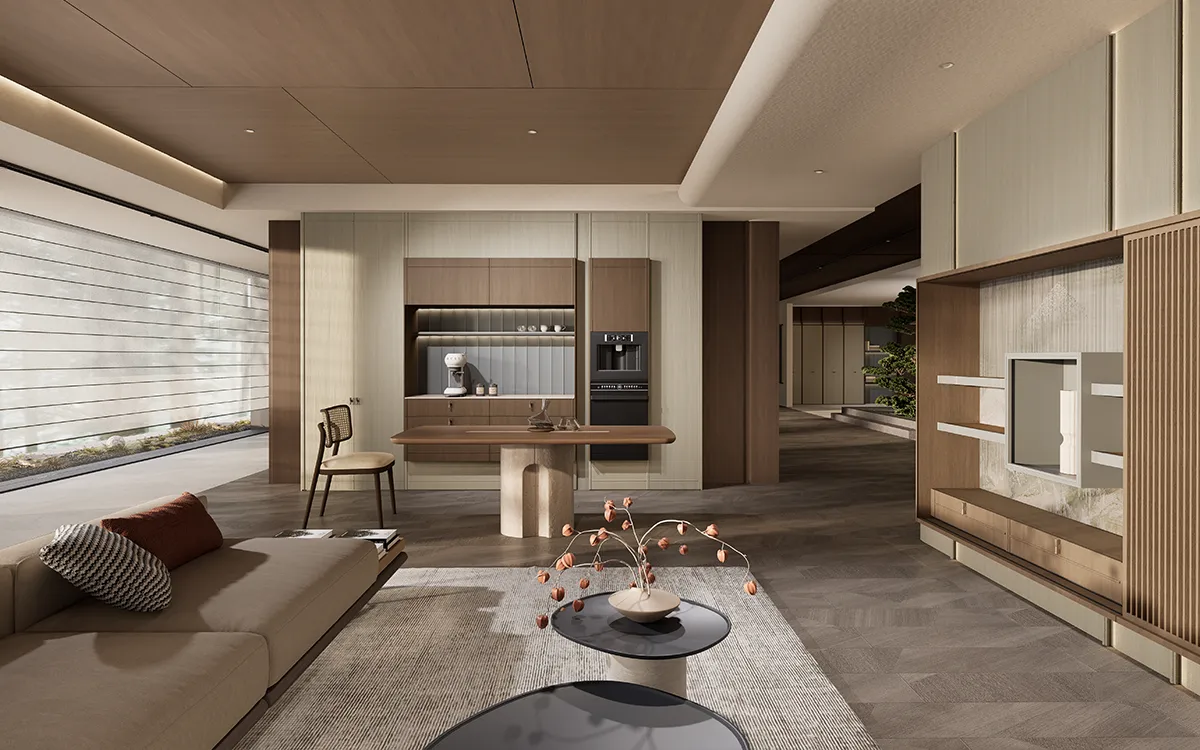

Summary: This article introduces the ten best AI interior design software programs for designers and homeowners. Compare the top tools for 3D rendering, room planning, and AI-powered visualization. See their features, pros, cons, and pricing to find the right solution for your next design project.
Artificial intelligence is transforming the way spaces are designed. From generating realistic room concepts to automating floor plans and material selections, modern AI interior design software helps both professionals and homeowners create stunning interiors faster than ever before.
Today, interior designers are using smart platforms to streamline workflows, improve client presentations, and shorten project timelines. At the same time, homeowners are embracing easy-to-use AI-powered platforms to redesign living spaces without hiring a full design team.
In this guide, we’ll explore the best AI interior design software available today. We’ll cover each platform’s features, advantages, drawbacks, and pricing so you can choose the right solution for your needs. Whether you’re searching for professional-grade interior design tools or a beginner-friendly AI interior design app, this list will help you make an informed decision.
Comparison Matrix
| Software | Best Feature | Learning Curve |
| Spacemaker | AI-driven environmental, microclimate, and terrain analysis | Steep (Technical CAD/BIM layout) |
| Foyr Neo | High-speed cloud rendering (2D plans to photorealistic 3D in 5 min) | Moderate (Intuitive CAD interface) |
| CAXA | Parametric libraries for highly detailed, manufacturing-ready custom built-ins | Steep (Traditional technical production CAD) |
| Spacely AI | SketchUp integration & structural-preserving sketch-to-photorealistic rendering | Easy to Moderate (Professional tools with a simple UI) |
| Planner 5D | AI blueprint recognition (converts hand-drawn sketches or PDFs into interactive 3D) | Easy (Drag-and-drop floor plans) |
| VisualizeAI | Transforms raw wireframes, text prompts, or rough sketches into 100+ design styles | Easy (Prompt-driven and image-to-image) |
| HomeDesignsAI | Multipurpose redesign targeting home exteriors, indoor spaces, and patios/gardens | Easy (One-click image uploads) |
| Homestyler | Virtual placement of real-brand scaled 3D furniture models into uploaded spaces | Easy (Mobile app and web-based drag-and-drop) |
| Interior AI | Instant programmatic style overlay (biophilic, brutalist, modern) on empty space photos | Zero to Easy (Web interface upload) |
| RoomGPT | One-click instant aesthetic filtering over a photo of your existing room | Zero (Super simple photo swap) |
1. Spacemaker
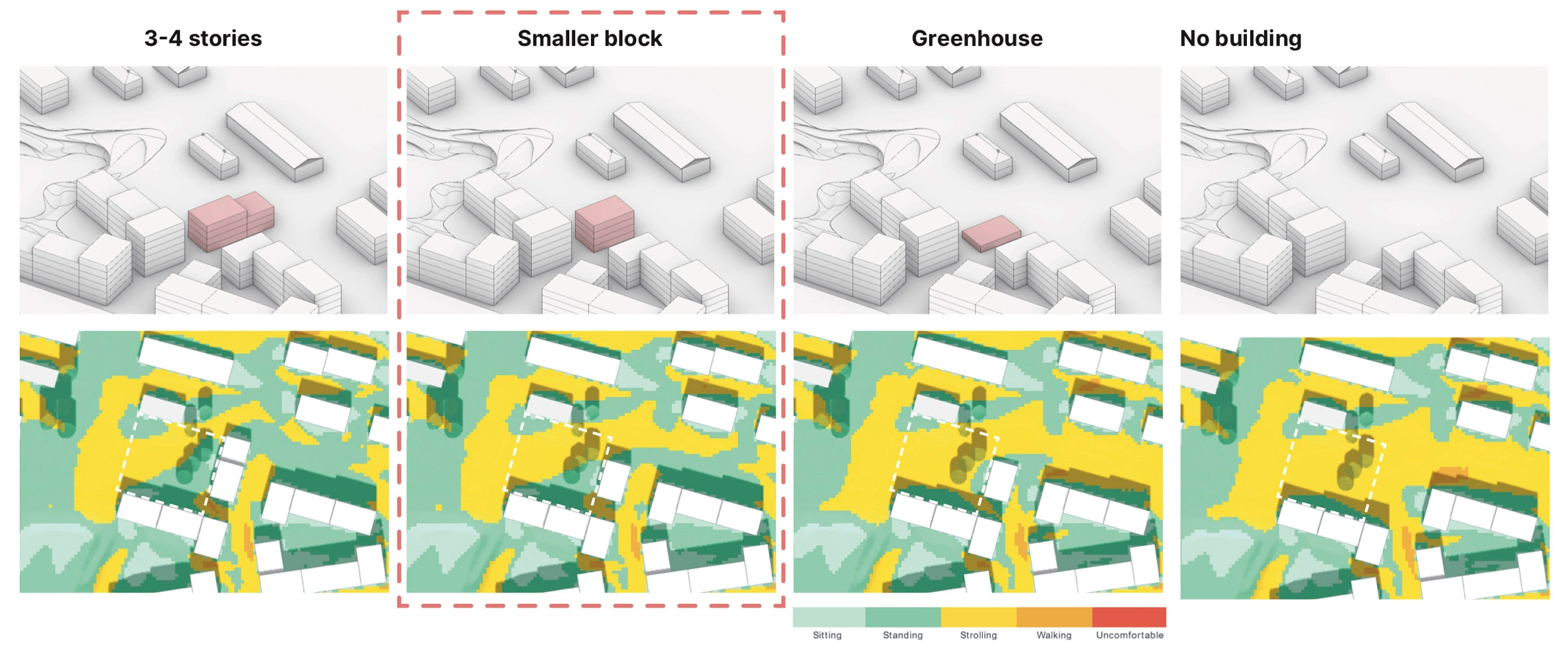
Spacemaker is an AI-driven platform primarily built for architects, developers, and advanced design professionals. The software analyzes environmental data, sunlight, wind conditions, and spatial layouts to optimize building and interior planning.
Although it focuses heavily on architectural planning, many interior designers use Spacemaker during the early conceptual stages of large residential and commercial projects.
Pros
- Advanced AI analysis for spatial optimization
- Excellent for large-scale residential and commercial developments
- Helps improve natural lighting and space efficiency
- Strong data-driven design capabilities
Cons
- Steeper learning curve for beginners
- More architecture-focused than interior decorating
- Expensive for casual users or homeowners
Pricing
Custom enterprise pricing is available upon request.
2. Foyr Neo
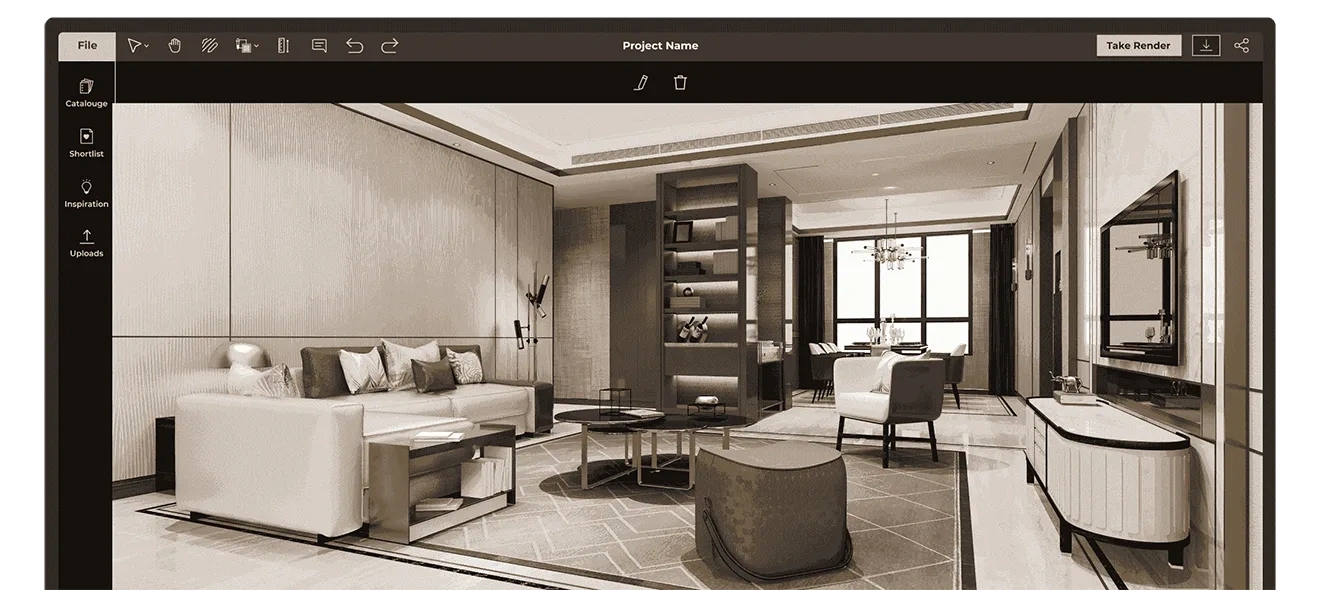
Foyr Neo is one of the most popular AI room design platforms for professional interior designers. It combines floor planning, 3D modeling, rendering, and AI-powered visualization in a single platform.
Designers can create photorealistic interiors quickly using drag-and-drop functionality and a large furniture catalog. The software is especially useful for client presentations and fast revisions.
Pros
- All-in-one workflow solution
- Fast rendering capabilities
- Extensive furniture and decor library
- Beginner-friendly interface
- High-quality 3D visualizations
Cons
- Limited customization compared to advanced CAD software
- Subscription costs may be high for small studios
Pricing
Plans typically start around $59 per month.
3. Interior AI
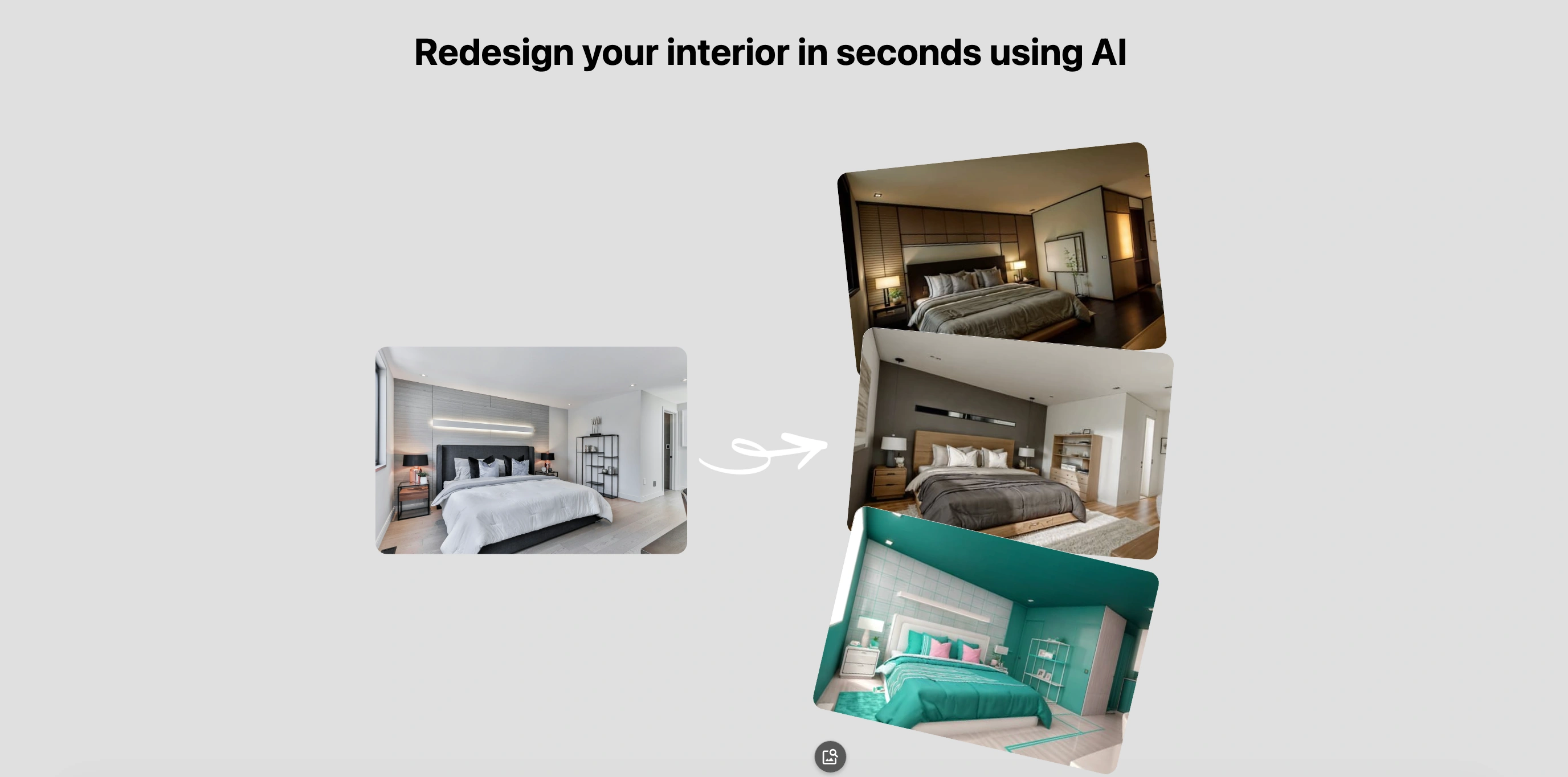
Interior AI is designed for users who want fast visual transformations. Users upload a photo of a room, and the AI instantly generates redesigned versions in multiple styles.
This AI interior design app is ideal for homeowners, real estate professionals, and designers looking for quick inspiration or virtual staging solutions.
Pros
- Extremely easy to use
- Fast AI-generated room redesigns
- Great for inspiration and mood boards
- Useful for real estate staging
Cons
- Limited control over detailed customization
- AI-generated results may occasionally appear unrealistic
Pricing
Offers free trials with paid plans starting at approximately $29 per month.
4. Planner 5D
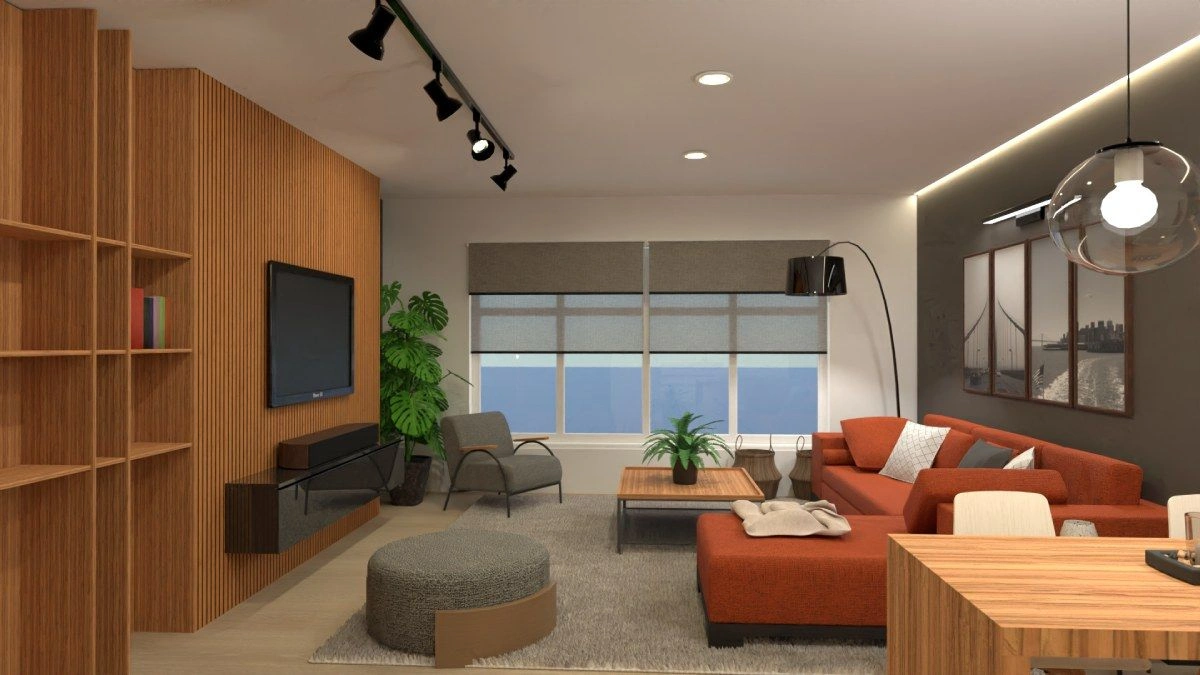
Planner 5D is one of the most accessible interior design tools for homeowners and beginners. The software supports 2D and 3D home planning with AI-assisted room generation.
Its intuitive interface makes it ideal for users with little or no design experience. At the same time, professionals can use it for quick conceptual layouts.
Pros
- User-friendly interface
- Supports both mobile and desktop devices
- Large object library
- Great for beginners and homeowners
- Offers AI-generated layouts
Cons
- Some advanced features require paid upgrades
Pricing
Free version available. Premium plans start around $9.99 per month.
5. HomeDesigns AI
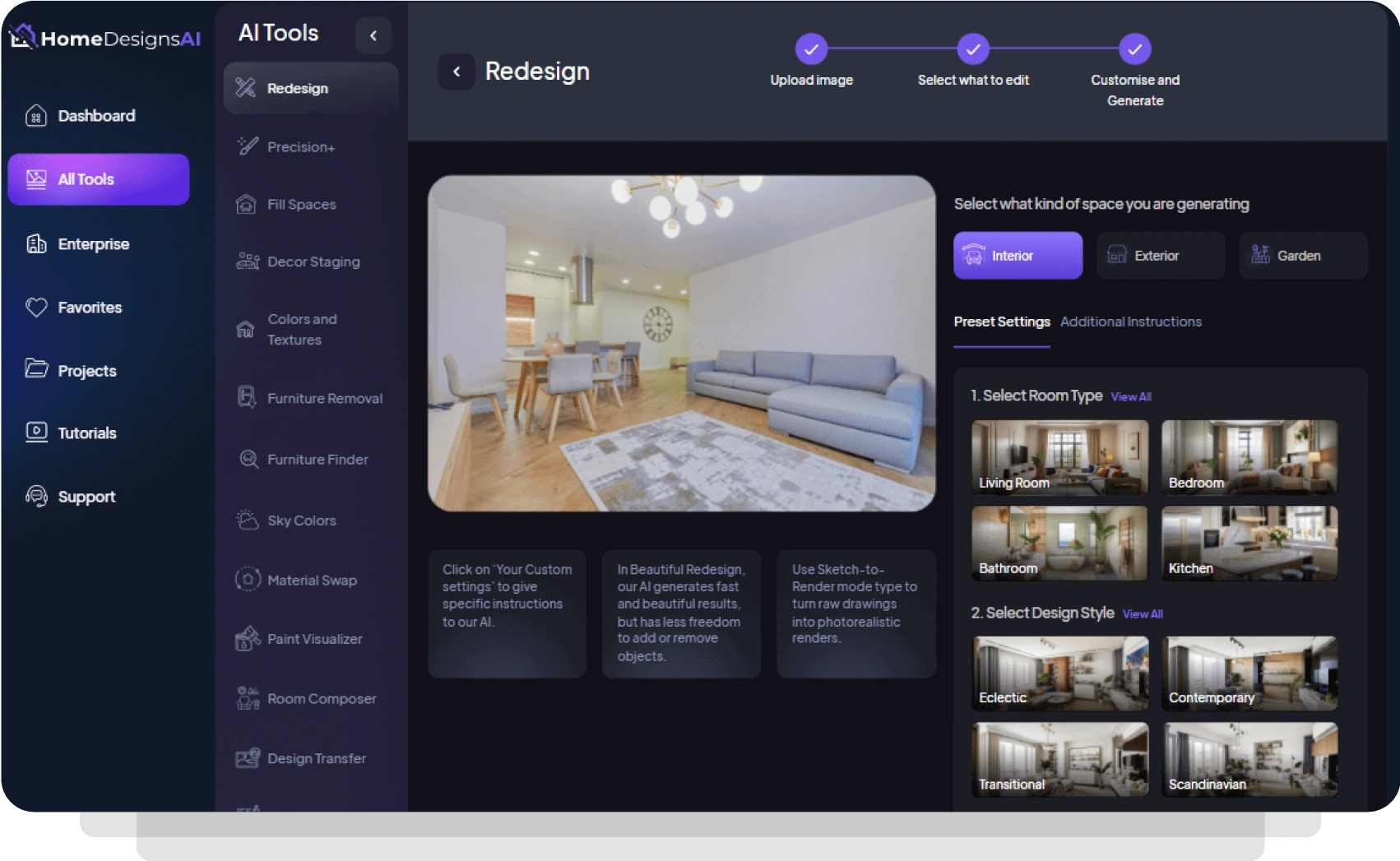
HomeDesigns AI focuses on rapid AI-generated transformations for interiors, exteriors, and landscaping. Users can upload images and instantly explore multiple design styles.
The platform is ideal for homeowners seeking AI interior design free solutions before committing to renovation projects.
Pros
- Fast image-based redesign generation
- Multiple design style options
- Beginner-friendly workflow
- Useful for renovation inspiration
Cons
- Limited advanced editing tools
- AI output quality may vary
Pricing
Free trial available. Subscription plans start around $27/month.
6. CAXA
CAXA collaborates with furnishing and industrial manufacturers (like OPPOLIA) to introduce AIGC design solutions. The CAXA is a professional CAD software suite commonly used for technical drafting and engineering applications. Some interior designers working on custom cabinetry and built-in furniture use CAXA for precision planning.
Although it is not specifically designed for AI rooms, its technical capabilities make it valuable for manufacturing-oriented projects that require detailed designs.
Pros
- High precision drafting tools
- Strong engineering and manufacturing integration
- Suitable for custom cabinetry and millwork
Cons
- Not beginner-friendly
- Limited decorative design features
- Less intuitive for residential homeowners
Pricing
Pricing depends on licensing requirements and enterprise solutions.
7. RoomGPT
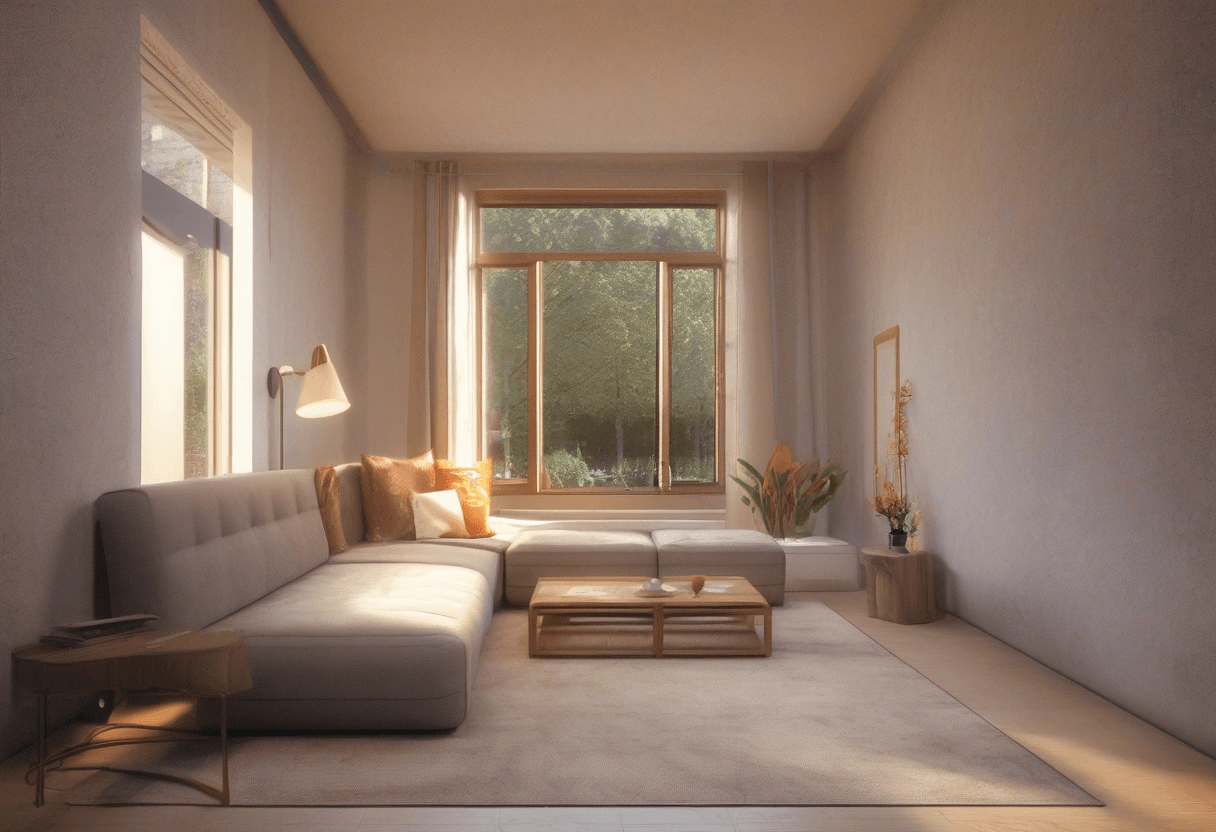
RoomGPT has become widely recognized for its simplicity and speed. Users upload a room photo and instantly receive redesigned concepts based on selected interior styles.
It is one of the easiest AI interior design free tools for homeowners experimenting with renovation ideas.
Pros
- Fast and simple user experience
- No professional design skills required
- Great for inspiration
- Multiple style presets available
Cons
- Limited editing flexibility
- Less suitable for professional workflows
Pricing
You can start with the free version. Subscriptions are available from the Pro Plan at $15 or the Business Plan at $30.
8. VisualizeAI
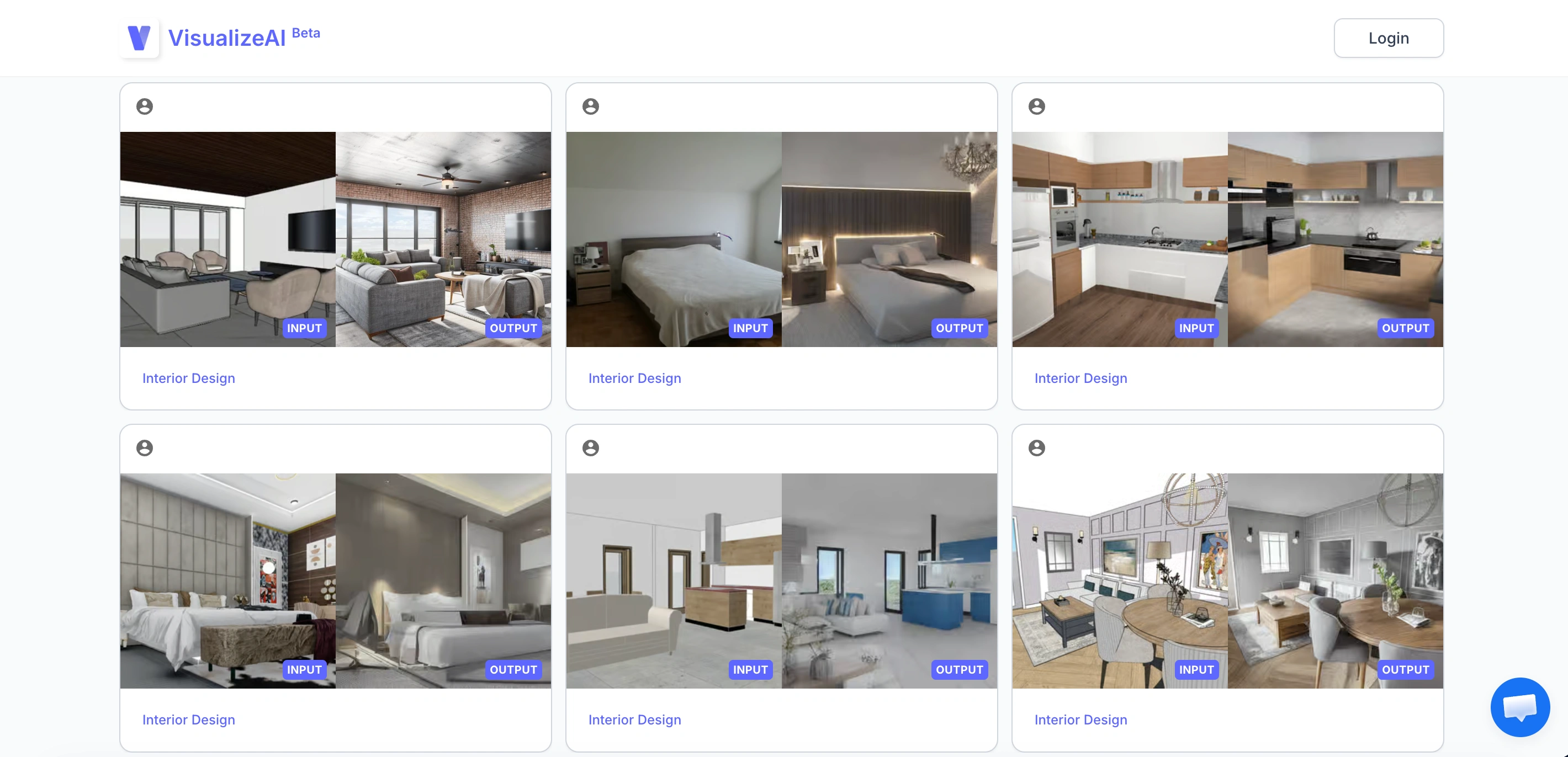
VisualizeAI focuses on conceptual rendering and rapid visualization. Designers can turn sketches, wireframes, or room photos into polished concepts within minutes.
The software is particularly useful during brainstorming and client ideation phases.
Pros
- Excellent for concept generation
- Fast AI rendering workflow
- Helpful for client presentations
- Supports creative experimentation
Cons
- Not ideal for technical construction drawings
- Output may require manual refinement
Pricing
Subscription pricing varies depending on usage and rendering volume.
9. Spacely AI
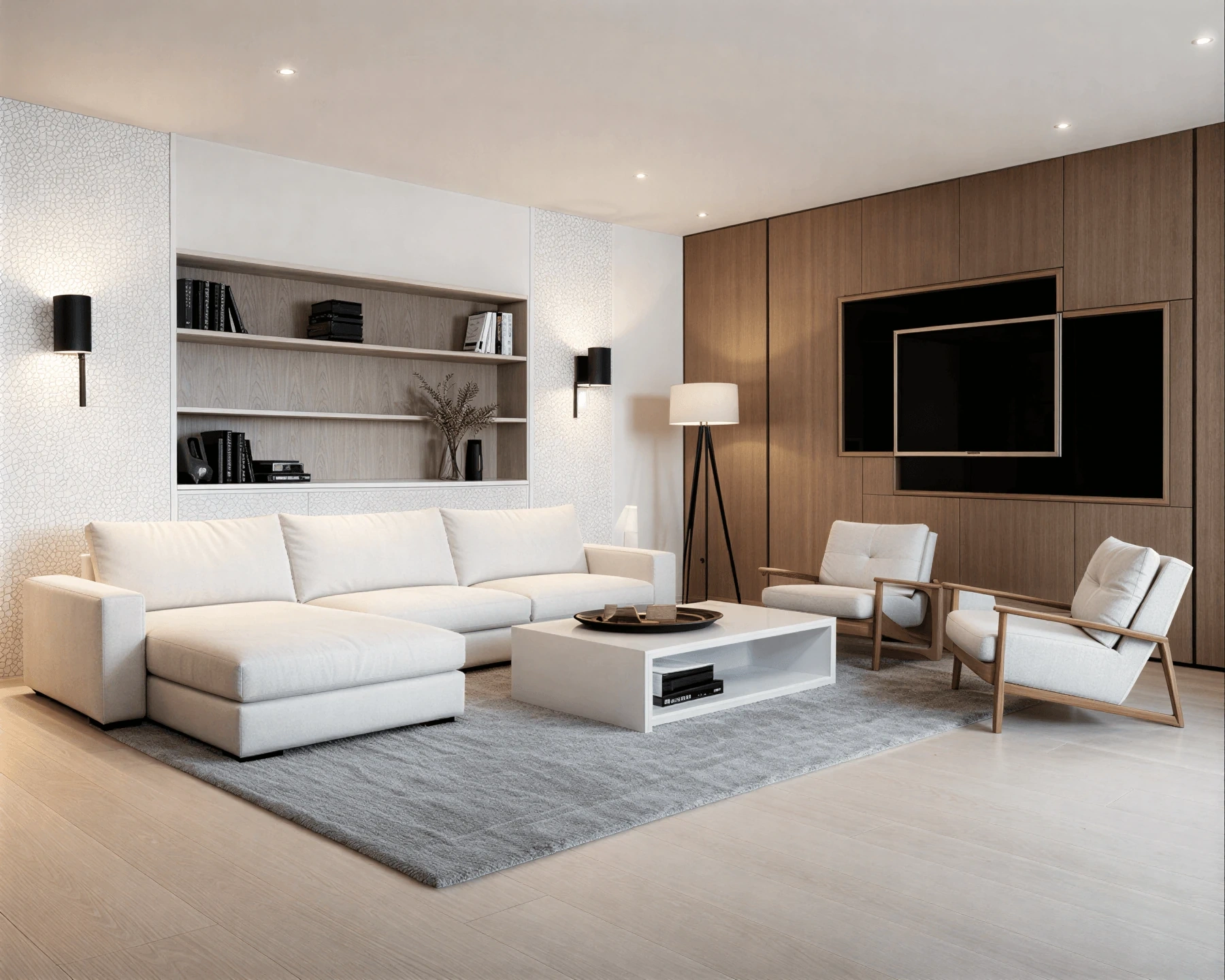
Spacely AI helps users generate realistic room designs and layout concepts using AI-generated visualizations. The platform is designed for both homeowners and professionals who need fast design inspiration.
Its automated design suggestions can help users experiment with furniture arrangements, color schemes, and decorative styles.
Pros
- Easy-to-use AI workflow
- Fast room visualization
- Useful for design experimentation
- Supports multiple interior styles
Cons
- Limited advanced customization
- Less suitable for technical design documentation
Pricing
Subscriptions start from $12 per month.
10. Homestyler
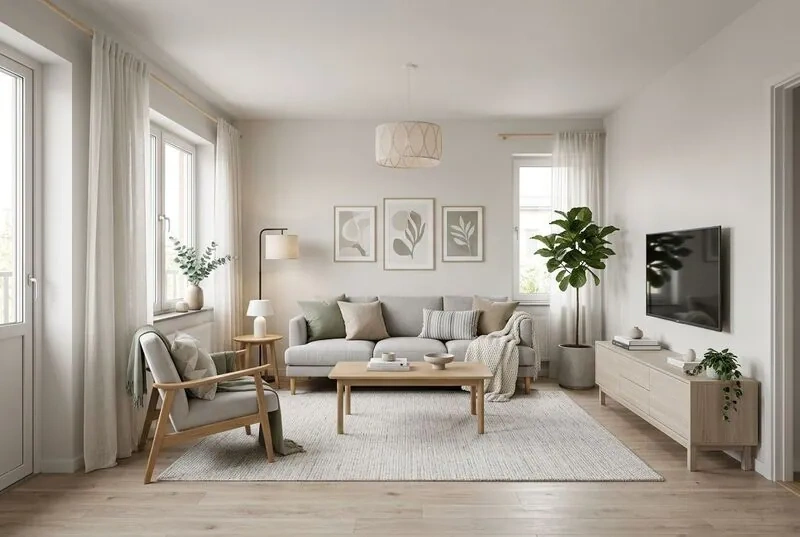
Homestyler is a versatile AI-powered platform that combines home planning, 3D rendering, and virtual staging. It is widely used by homeowners, decorators, and entry-level designers.
The software allows users to build rooms from scratch or redesign existing spaces using realistic furniture libraries and AI-generated recommendations.
Pros
- Strong visualization capabilities
- Extensive furniture catalog
- Easy drag-and-drop functionality
- Suitable for beginners and professionals
- Supports online collaboration
Cons
- Advanced rendering features may require paid plans
- Some tools can feel limited for enterprise-scale projects
Pricing
Free version available. Premium subscriptions start around $19.90 per month.
How to Choose the Best AI Interior Design Software
The right AI interior design platform depends on your goals, experience level, and workflow requirements.
For Professional Interior Designers
Professional designers often need:
- Advanced rendering capabilities
- Accurate floor planning
- CAD integration
- Client presentation tools
- Fast revision workflows
Platforms like Foyr Neo, VisualizeAI, and Spacemaker are better suited for professional environments.
For Homeowners
Homeowners typically prioritize:
- Ease of use
- Affordable pricing
- Fast room visualization
- Style inspiration
- Mobile accessibility
Planner 5D, RoomGPT, and Interior AI are excellent choices for casual users and DIY renovations.
For Cabinet and Custom Furniture Projects
If your work involves cabinetry, millwork, or manufacturing precision, technical software like CAXA can provide greater drafting accuracy.
The Future of AI in Interior Design
The future of AI room design is incredibly promising. As AI models continue evolving, designers can expect:
- Fully automated design suggestions
- Real-time material estimation
- Smarter furniture placement
- AI-powered shopping integration
- Augmented reality room previews
AI will not replace designers, but it will significantly enhance creativity, efficiency, and project management.
Conclusion
The growth of AI interior design software has opened exciting opportunities for both professionals and homeowners. Whether you need advanced rendering tools for commercial projects or simple visualization software for home renovations, there is now an AI solution for every need and budget.
If you want advanced professional workflows, tools like Foyr Neo and Spacemaker stand out. If you’re looking for easy-to-use AI interior design free solutions, Planner 5D, RoomGPT, and HomeDesignsAI are strong options.
OPPOLIA provides dealers with a free AI interior design tool. The software helps designers create online designs in 10 minutes and quotes in 3 minutes, increasing conversion rates by 50%.
If you are looking for strong cabinet brands to partner with, OPPOLIA is an excellent choice. By partnering with us, you’ll gain access to premium products and robust support from a brand built on innovation, style, and excellence.
Learn more about the OPPOLIA Dealer Program and embark on your journey to success. Contact us today for more information.
FAQs About AI Interior Design Software
AI interior design software uses artificial intelligence to help users create layouts, generate room concepts, and visualize spaces quickly and efficiently.
Yes. Tools like RoomGPT, Planner 5D, Homestyler, and Interior AI offer free versions or trial plans.
Planner 5D and Homestyler are excellent for homeowners because they are easy to use and affordable.
Absolutely. Many professionals use AI-powered interior design tools to speed up rendering, improve workflows, and increase client satisfaction.
No. AI assists with visualization and automation, but human creativity, expertise, and personalization remain essential.
Interior AI and RoomGPT are among the fastest platforms for generating instant room redesigns.